

[
 ](https://workpoint365.com/migrate-dms/)
SMART Migration for WorkPoint
Section titled “SMART Migration for WorkPoint”SMART Migration is designed from the ground up to support the WorkPoint architecture, where each business entity, such as a company or project, has a dedicated SharePoint site.
Manage migrations across thousands of business entity sites through a visual interface, with dynamic destination mapping, centralised logging and consolidated reporting.
The Migration Challenge: Thousands of Sites
Section titled “The Migration Challenge: Thousands of Sites”Migrating to WorkPoint requires content to reach the correct business entity sites, with the appropriate metadata and permissions. SMART Migration provides a centrally managed process for coordinating this work at scale.
- Configure migration workflows visually, without developing and testing custom PowerShell scripts for the migration flow.
- Use business entity data to map source content to destination sites, avoiding manually maintained Excel or CSV mapping files.
- Track migration actions through centralised logging, rather than opening separate external logs for each site.
- Monitor progress in real time and optionally visualise results through your own Power BI dashboard.
- Use Power Automate to trigger approvals and notifications as part of your configured process.
Loop Through WorkPoint Sites — Migrate and Set Permissions
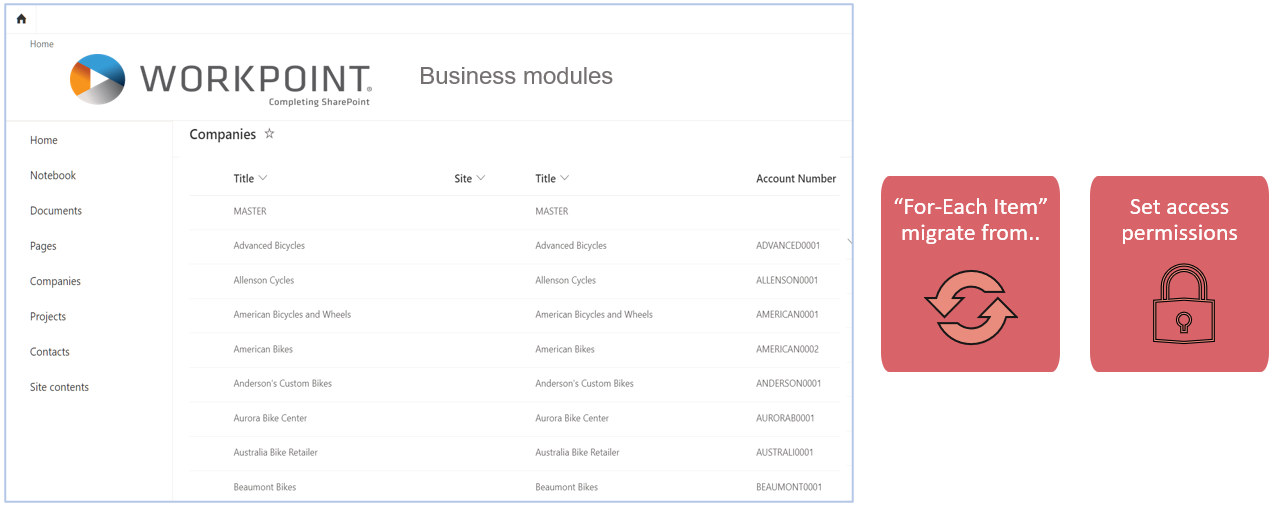
Section titled “Loop Through WorkPoint Sites — Migrate and Set Permissions”Connect directly to the WorkPoint master site and read the business entity items.
Use a For-Each Item workflow to process the entities. Column values provide parameters for the migration, allowing content to be routed to the appropriate sites and permissions to be set as part of the configured workflow.
Migrate Legacy Document Management Systems to WorkPoint
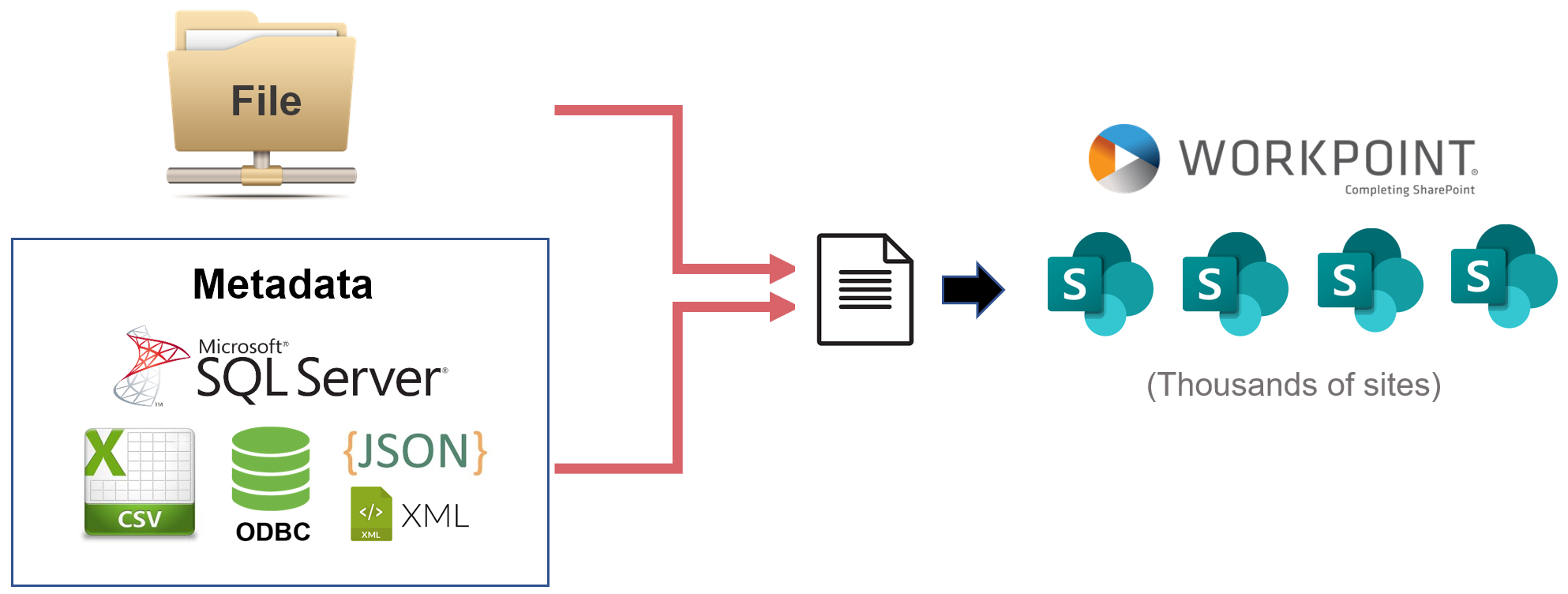
Section titled “Migrate Legacy Document Management Systems to WorkPoint”Combine metadata from databases with binary file content to create SharePoint document library items.
Use the source metadata and configured mapping rules to distribute documents dynamically to the designated WorkPoint business entity sites.
Consolidate Reporting Across Thousands of Sites
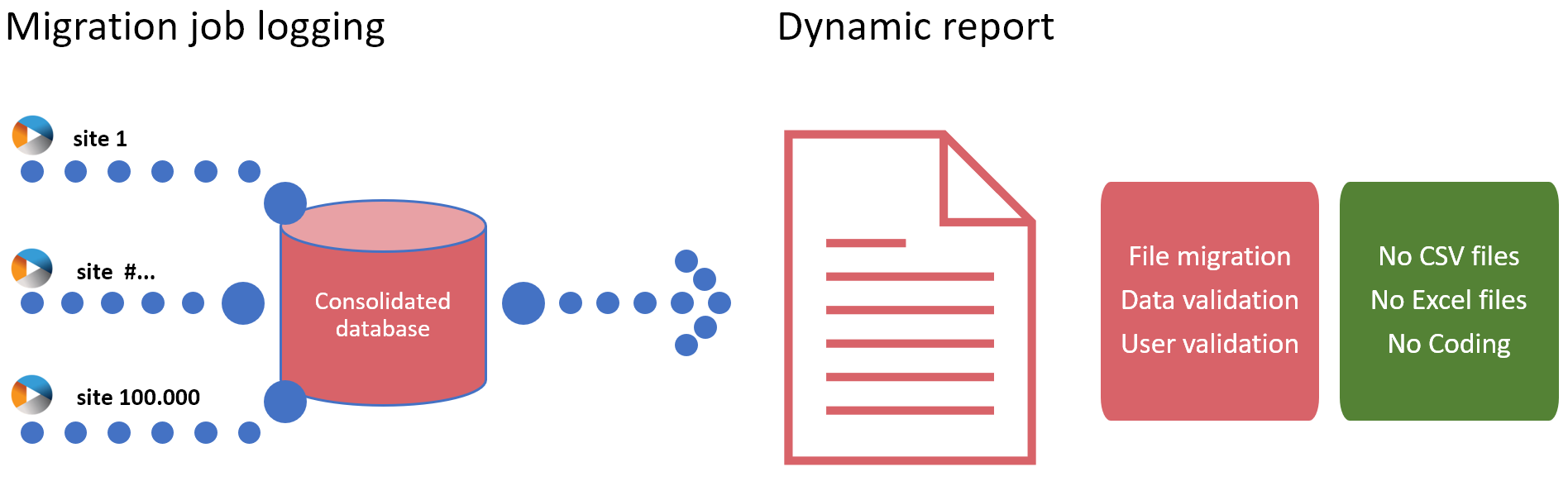
Section titled “Consolidate Reporting Across Thousands of Sites”Migration reporting is consolidated automatically across WorkPoint site migrations, including incremental runs.
Review results through a unified reporting process without manually collecting and combining CSV or Excel reports from individual sites.
High-Performance Migration at Scale
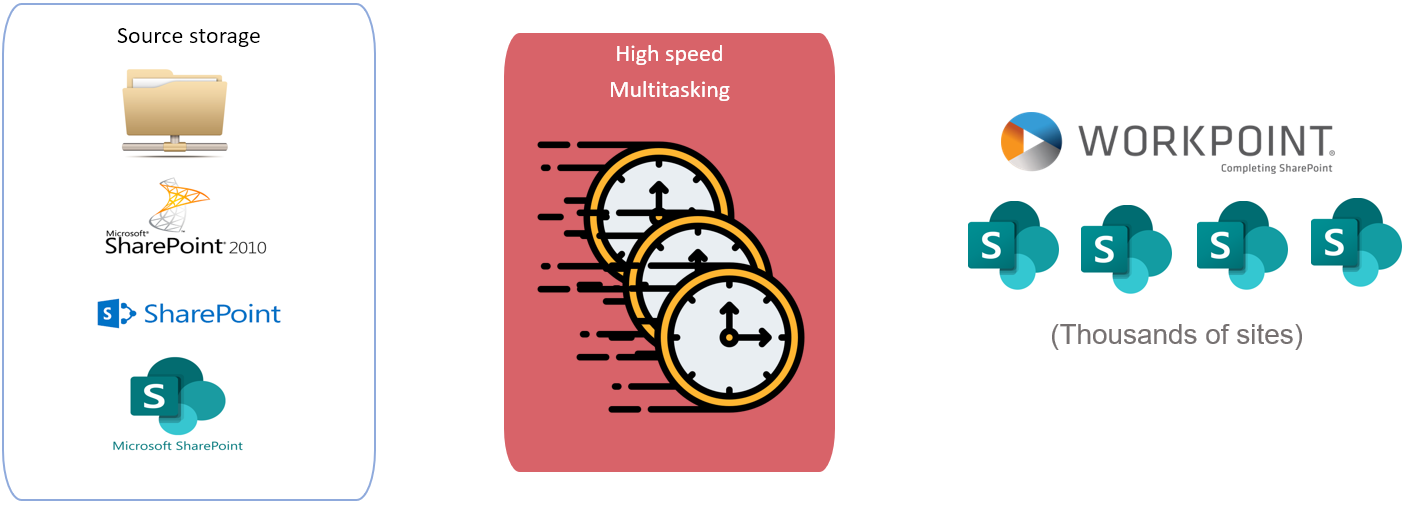
Section titled “High-Performance Migration at Scale”SMART Migration uses asynchronous file transfer and multiple Azure migration queues working with a shared Azure Blob Storage staging area.
This architecture supports parallel migration processing across many destination sites. Actual throughput depends on the source system, file sizes, metadata complexity, network capacity and Microsoft service throttling.
Document and Metadata Sources
Section titled “Document and Metadata Sources”Migration projects can combine documents and metadata from the following source types, subject to the required source access and migration configuration:
- Legacy document management systems, such as Alfresco, eDoc, Documentum and M-Files.
- Custom-built document management systems, including solutions with metadata in SQL Server and binary content on file shares or in database BLOB columns.
- SharePoint Server document libraries and lists from versions 2007, 2010, 2013, 2016 and 2019.
- SharePoint Online content organised differently within the same tenant or across other tenants.
- SharePoint document libraries and lists associated with Microsoft Teams.
- File shares and folder structures.